Homelib
Your knowledge, your library, your machine.
Homelib is a private library for the things you read online. Save a page and Homelib reads it for you. It keeps a clean copy, writes a summary, files it by subject, and notes the people, companies and places it mentions. Everything is stored in plain files on a computer you control.
Read the narration
Think of everything you’ve read, and meant to keep. Links break. Pages vanish. And the tools we rely on grow harder to trust. Search was gamed long ago. Artificial intelligence is next.
Homelib is a library of your own. Save a page, and it reads it for you: summarized, catalogued, and kept on your own machine. Then it goes further: researching, finding new sources, mapping the people, places, companies and ideas behind them.
Open models, tuned to your needs, with no landlord in the cloud. Private. Local. Yours.
Homelib is young. Try it. Contribute. Help it grow. Together, we can build a library worth trusting.
Homelib is in a small closed beta and will be released as open source under the MIT license. Ask to try it.
Why keep your own library
Links break. Pages disappear behind paywalls or are quietly rewritten. A bookmark keeps the address, and going back means clicking through, closing the cookie banner and reading the whole thing again to find the part you wanted.
The tools we use to look things up are harder to trust, too. Search results are shaped by advertising, and AI answers come from companies with their own interests. A library you keep yourself doesn’t change under you, and it answers to you.
A notebook is for your own thoughts. Homelib is the reference shelf beside it: the articles, papers, videos and projects by other people that you want to find again and build on.
How it works
-
Collect
Bring in your Safari Reading List and GitHub stars, or add a link by hand. Homelib fetches each page as clean text, with transcripts for YouTube videos and READMEs for GitHub projects. When a page has gone, it looks for a copy in the Wayback Machine.
-
Catalogue
A language model reads each item, writes a summary, files it under the right subjects and picks out the people, companies, products and places it mentions. Everything goes into a full-text index you can search with filters.
-
Go deeper
For the items that matter, Homelib researches further. A profile searches the web for who made it, what it is made from, what else is like it and how it was received. A full research pass reads the sources and writes an article with citations. What it finds becomes part of the library.
Over time the library becomes a map: a directory of people, companies, products and places, each linked to everything that mentions them, and topics that gather items from across your collection.
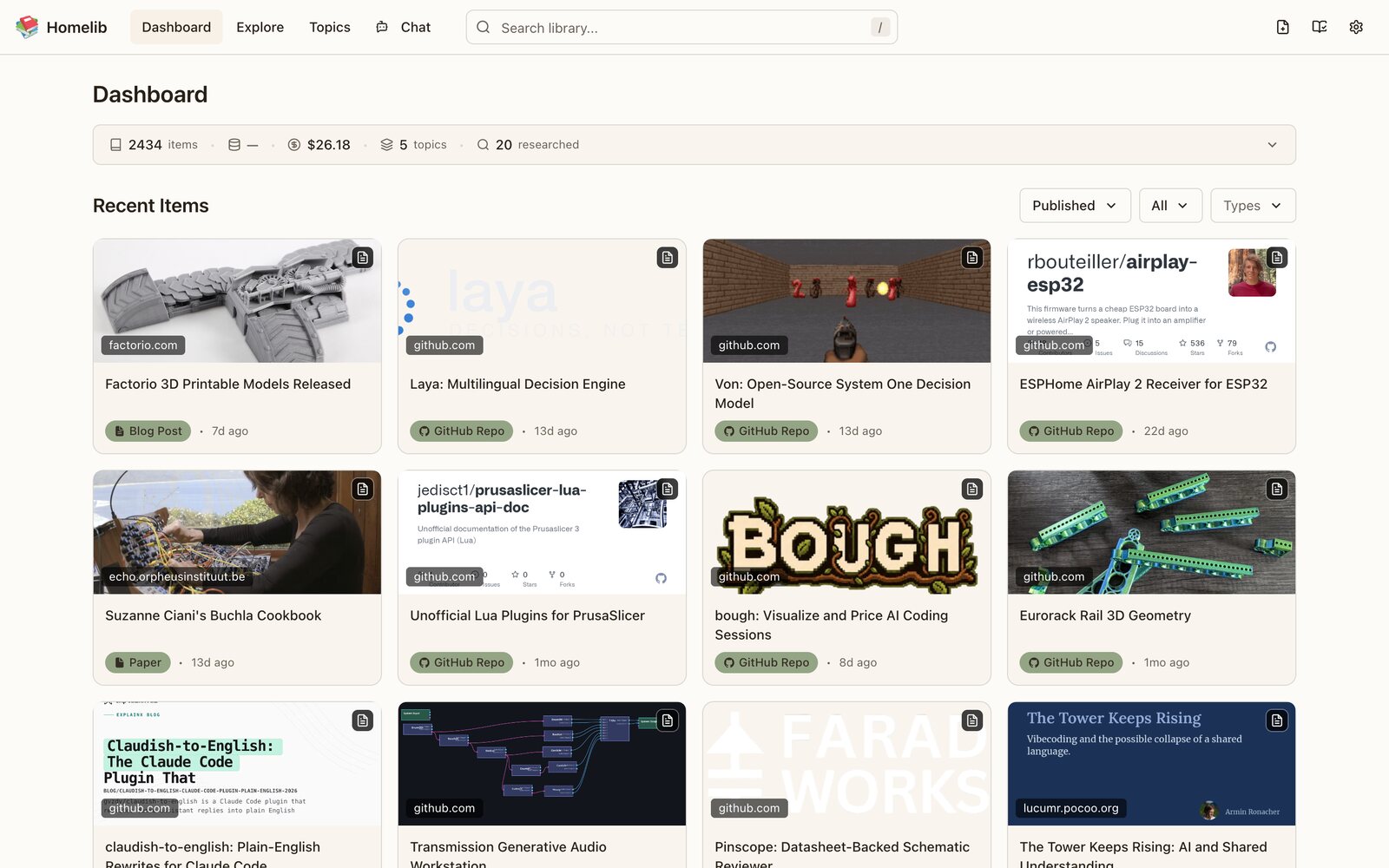
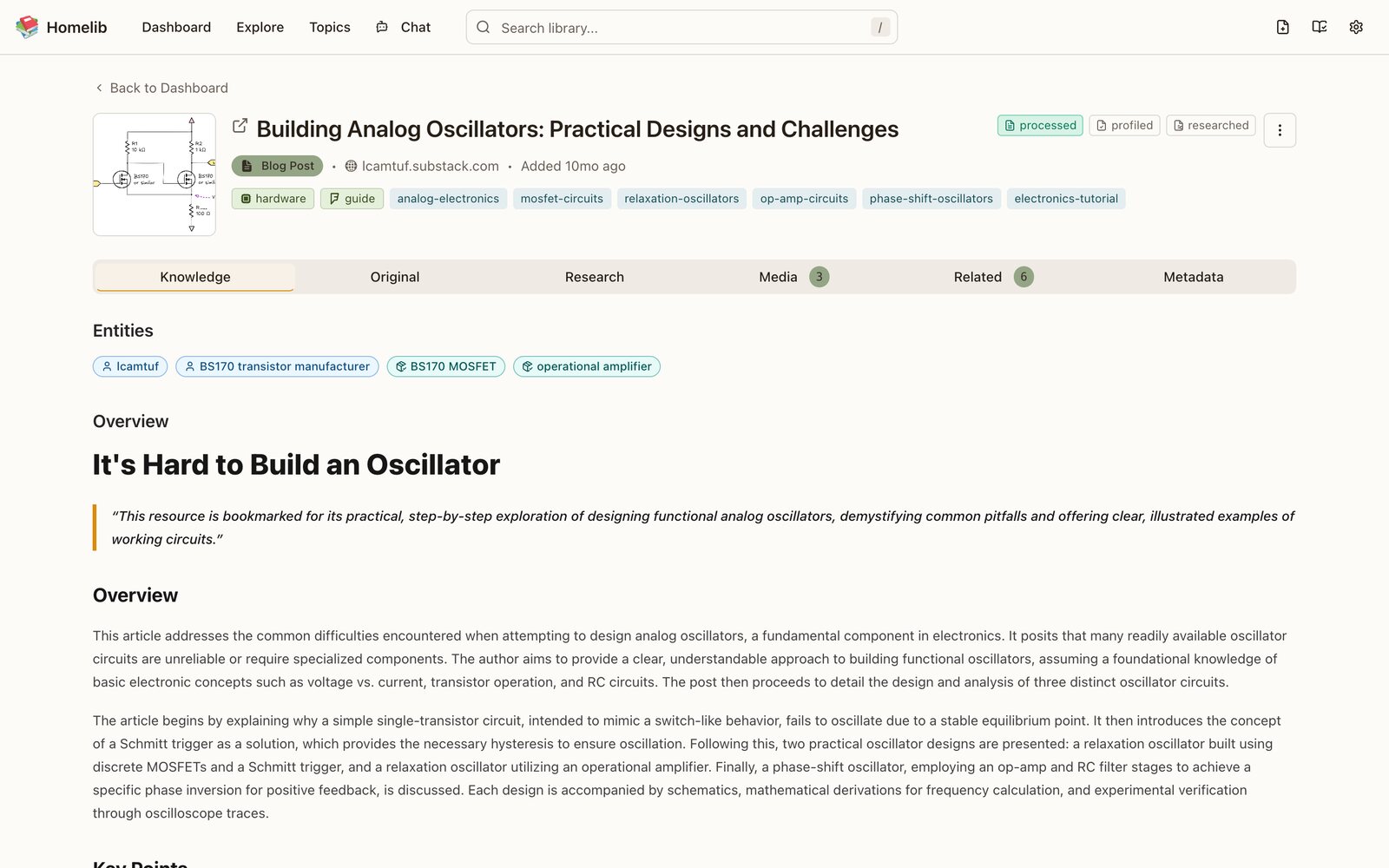
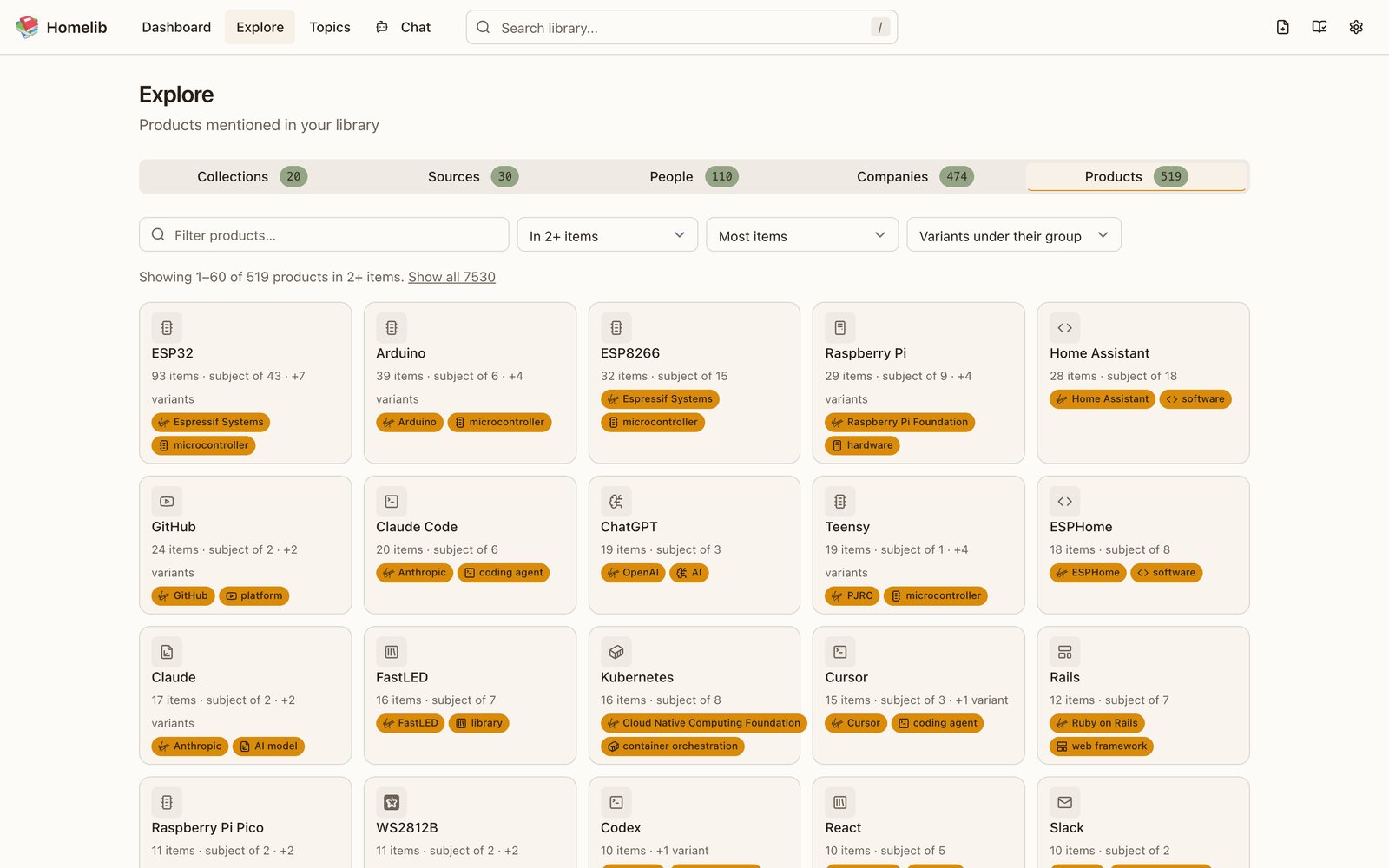
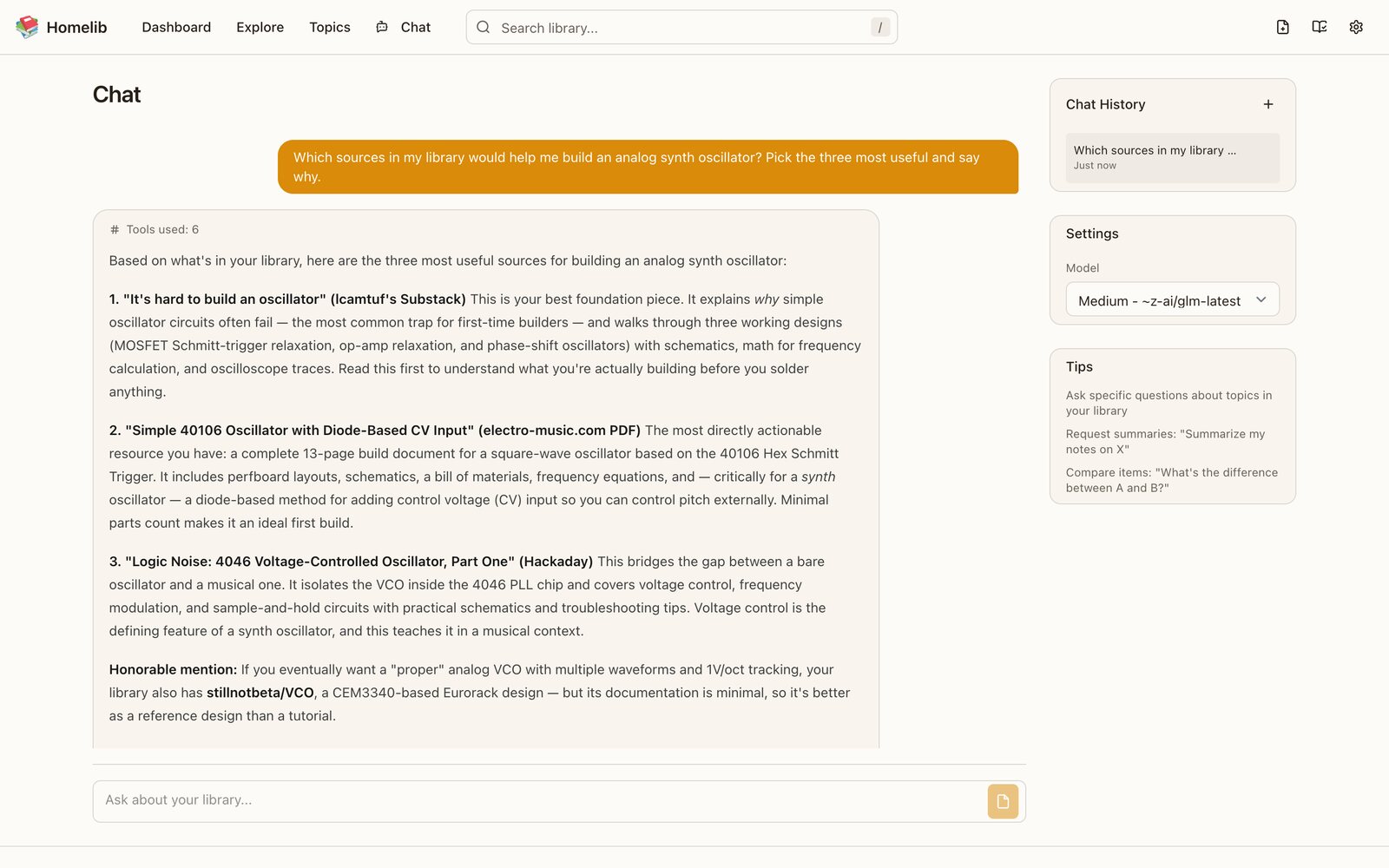
Screens from version 0.4.
Ask your library
Homelib includes an assistant that answers questions from your own collection. It searches, compares items and summarizes topics, and shows each search it makes along the way. A built-in MCP server lets Claude Desktop, Cursor and other assistants search and read the same library from wherever you work.
Yours to keep
- Plain files
- Each item is a folder of Markdown, YAML and JSON that you can read, back up or keep under version control. The search index is rebuilt from the files.
- Models you choose
- Use any model on OpenRouter, or run open models on your own hardware with Ollama or LM Studio, and decide which model handles which job. Fetching pages and searching the web go through LLMLayer.
- Runs where you do
- A single Python server for a laptop or a small home server, with a Docker image for hosting. Libraries sync between machines through Git.
Homelib is young
It is in a small closed beta, and it will be open source. If you would like to try it, contribute, or simply follow along, get in touch.
Together, we can build a library worth trusting.